Stop Searching, Start Understanding
Stop Searching, Start Understanding
AI tools are becoming part of everyday work, but the right choice depends on what your team needs most.
Some teams want help moving faster inside the apps they already use. Others need a better way to access, organize, and trust the knowledge their work depends on.
That is where Mymir and Copilot differ.
Copilot is a broad AI assistant built for Microsoft 365. It helps users draft, summarize, and create inside tools like Word, Outlook, and Teams.
Mymir is a focused AI workspace built around knowledge. It helps users work with selected information, find answers faster, understand content, and reuse knowledge with confidence.
Both tools are useful, but they solve different problems.
Copilot Connects to Apps. Mymir Connects Teams to Answers.
Copilot is helpful when your team already works heavily across Microsoft apps. It can summarize meetings, draft emails, and support everyday productivity inside familiar tools.
Mymir takes a different approach. Instead of focusing on app-based assistance, it helps teams work directly with the knowledge they rely on. Users can search across selected documents, find the exact details they need, and get answers connected back to the original source.
Copilot is app-first.
Mymir is knowledge-first.
That difference matters because productivity is not only about completing tasks faster. It is also about finding the right information and making better decisions with it.
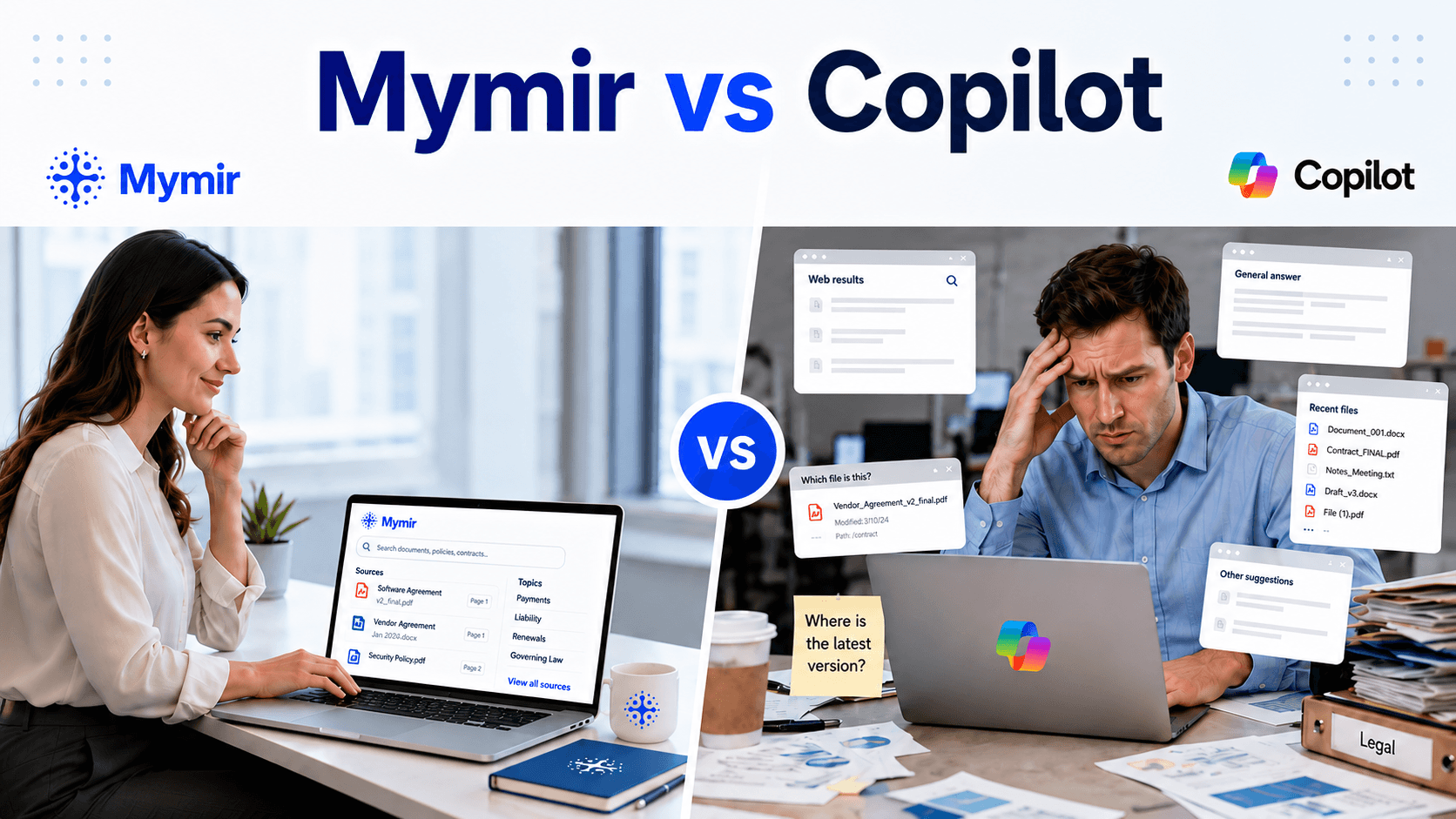
Copilot is good for initial search. Mymir is great for detailed search
Copilot may help with quick, surface-level search, but the answers may still need to be checked for accuracy, context, and source support.
Mymir is built for deeper document search. It helps users ask specific questions, pull exact details from their own files, and understand the information behind the answer. Instead of leaving users to guess where information came from, Mymir provides source-cited answers, so teams can verify the response and trust what they are using.
Copilot may help you start looking.
Mymir helps you find the answer you can actually trust.
Copilot Is Broad. Mymir Is Focused.
Copilot is built for convenience across Microsoft tools, but broad assistance does not always create focused answers. When users need information from a specific document or knowledge set, they may still have to check, compare, and verify the response.
Mymir is built for more targeted knowledge work. It gives teams a more controlled way to use their knowledge, helping them avoid vague answers, reduce unnecessary back-and-forth, and move forward with clearer context.
Copilot supports general productivity.
Mymir supports knowledge clarity.
A Cleaner Way to Work With Important Information
Copilot works when a team already has a well-organized Microsoft 365 setup. If files, conversations, and documents are easy to find across Teams, Outlook, and OneDrive, it can support that existing workflow.
But many teams do not work from a perfectly organized system. Important information can be scattered across long documents, spread across folders, or difficult to locate when needed most.
Mymir helps reduce that friction by giving teams a more direct way to access and use the knowledge they rely on. Instead of spending time searching through scattered information, teams can focus on understanding and applying it.
Why Mymir Stands Out
Copilot is useful for everyday productivity, but Mymir is built for teams that need more than task support. It is designed for moments when people need to understand important information, find the right detail quickly, and feel confident that the answer is based on the knowledge they actually rely on.
That makes Mymir especially valuable for teams working with long documents, internal resources, policies, contracts, or other information that must remain accurate and easy to reference. Instead of making users skim through files or piece together answers on their own, Mymir helps bring the most relevant information forward in a clearer, more usable way.
For teams that care about accuracy, organization, and trust, Mymir creates a smarter way to turn existing knowledge into answers they can actually use.
When Knowledge Matters, the Choice Changes
When teams rely on important information every day, they need more than a tool that helps them move faster. They need a better way to find what matters, understand it clearly, and use it with confidence.
Mymir is built for that kind of work. It helps teams spend less time digging through information and more time using the knowledge they already have. When answers are easier to access, understand, and trust, teams can make decisions with greater clarity.
Ready to make your team’s knowledge easier to find, trust, and use? Explore Mymir at Mymir.ai